
AI Buying Guides | Brand Identity
AI Brand Kit Generator: What to Check Before You Buy
· By Emmanuel Abou Chabke, founder of Market Me Global Academy · 10 min read
A generated logo can look good on a launch card and be unreadable in a tiny profile photo. Before you pay, ask whether you will receive art for one place, an editable set you can keep using, or a plan for a consistent brand. Those are different purchases, even when all three carry an AI label.
An AI brand kit generator turns supplied choices or generated assets into a proposed identity and related layouts. This guide includes the Academy’s own paid AI Brand Identity Kit, alongside provider documentation and independent design checks you can do yourself. It is not a ranking or a measured performance comparison. The useful question is what you can confidently edit, publish and hand over.
1. What are you paying for?
Start with the missing part of your working process. A mark identifies the business; a reusable identity tells you how its colours, type and voice behave across different destinations. A large template collection is useful only if it supports the work you actually publish.
| Option | Useful when | What to verify |
|---|---|---|
| Logo-only tool | You need one identifying mark | Variants, usable files and editable sources |
| Brand kit generator | You want repeated templated output | Included outputs, plan access and purchase cadence |
| Design workspace | Approved assets must stay consistent across channels | Reusable templates, editing rights and collaboration |
| Guided download | You need audience, positioning and visual decisions | Logo direction, colours, type, tone, working files and required editors |
| Designer | You need custom work and an agreed handover | Deliverables, revisions, source files and usage rights |
Separate the file package from continuing software access. A one-time purchase, an annual template subscription and a commissioned design brief have different costs and responsibilities. Ask what you keep, what remains editable, and which applications or accounts you need after delivery.
2. How two common options work
Looka’s Brand Kit illustrates the generator approach: customisable templates are built around a logo and brand choices, with examples such as business cards and social posts. That may fit someone who wants starting visuals applied repeatedly, rather than a separate design decision for every post.
Its package explanation distinguishes an annual Brand Kit subscription from separate one-time logo-only options. Do not assume the logo option includes the continuing template workspace. Check the current renewal terms, included exports and what your editing workflow looks like after renewal ends.
Adobe Express Brands organises a business’s logos, colours, fonts, graphics and guidelines for reuse. This workspace is particularly useful when the assets are already chosen and the problem is applying them consistently. It is not the same purchase as asking a logo generator to invent a starting identity.
For either approach, edit one example rather than judging a gallery. Change the heading, replace a photograph and export the result in a format you need. Check who can collaborate, which access level allows the edit, and whether the exported file is suitable for its destination. These documented capabilities are examples, not promises about every plan or bundled asset right.
3. What the Academy AI Brand Identity Kit includes
Our AI Brand Identity Kit is a guided one-time download for owners, freelancers and small shops who need to decide what their brand means and keep the decisions usable. Its working files connect audience and positioning with logo direction, colour roles, type and voice. The contents below come from the shared product information:
- 64-page guide with six fillable working sheets
- Editable workbook to record every brand decision
- Six brand-board pages and 12 editable social layouts
- Animated companion lessons you can watch and edit
- An offline Brand Studio to test boards and colour contrast
- 36 copy-ready prompts and three complete worked examples
The local, offline Brand Studio is for trying boards and colour contrast. It is not hosted generation, an in-app template subscription or a bespoke logo design service. Third-party editing software and access can cost extra. You can adapt templates to your own work or client projects subject to the kit licence; do not distribute the paid files.
Inspect the preview and current offer
Current one-time price: $7.99. Standard price: $17.49. The live offer currently shows 10 launch purchases remaining; launch pricing applies only while available. The amount follows the existing offer and selected currency.
The free preview PDF needs no account or email. After confirmed payment, the complete private ZIP arrives through a secure 24-hour link by email, with the same link on the confirmation page. Save it locally. See the paid product page for contents and file requirements.
4. Six things to check before buying
- Editable output. Try the separate logo and a simplified small version. Ask for portable files, including a vector format such as SVG or a print PDF when the job needs it. A flattened image is not an editable source.
- Colour and type rules. Check light and dark backgrounds, readable normal-size text and clear type roles. A decorative accent need not become the paragraph colour. Keep the chosen rules understandable to someone else.
- Three destination formats. Test a mobile website, square social avatar and printed service card or one-colour sign. Confirm proportions, margins and final scale rather than stretching one layout everywhere.
- Permissible use. Check each font, icon and photograph for use on your intended outputs, including client work. Ask the designer or provider about handover and usage rights when the terms are unclear.
- Renewal and whole cost. Include subscriptions, editors, exports and collaboration access. Read current renewal terms and ask whether retained files remain editable in your intended workflow.
- A usable handover. Record who can access and change the identity, where source files live and which brand board is approved. Include the rules a colleague needs, not just a folder of attractive mockups.
A logo pasted on a mockup is a poor test of these things. It hides small-size problems and says little about editing, real backgrounds or the files needed for production.
5. Try one brief across three formats
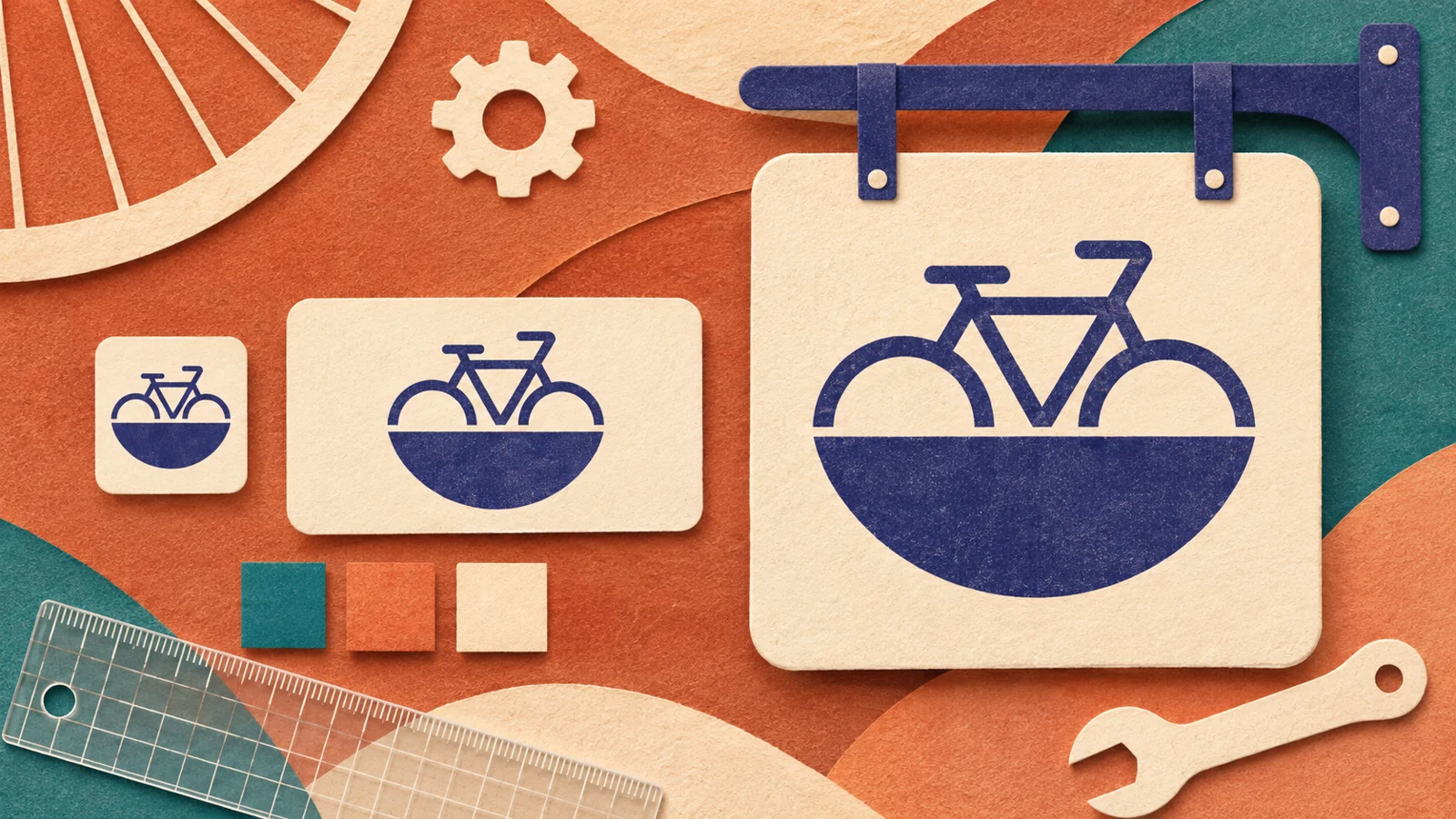
Imagine a fictional neighbourhood bicycle repair shop serving commuters. For this exercise, its one proven detail is that repair estimates are approved before work starts. Its next action is to request a quote. Do not add same-day returns or certifications that the brief never supplied.
Use the heading “Bike repairs for everyday commuters” and action “Request a repair quote”. Build three versions from that same brief:
- Mobile homepage: keep the heading as readable text with a clear action. Check line breaks and contrast on the actual background.
- Square social avatar: inspect the mark at its actual display size. Simplify the bicycle icon if details disappear; keep the full wordmark as text in the profile name rather than forcing it into the tiny image.
- Printed service card or one-colour sign: proof a simplified mark at final scale. Check that the action and contact information are readable and that the printer can use the supplied files.
Give text and decoration different colour roles
For ordinary text on a flat ivory background, these two independently calculated pairs show why colour roles matter. The values describe the exercise, not the decorative illustrations:
| Pair | Ratio | Role in this exercise |
|---|---|---|
| #24334F on #F5EEE2 | About 10.96:1 | Darker colour for text on ivory |
| #D08B73 on #F5EEE2 | About 2.39:1 | Pale terracotta as decoration there |
WCAG 2.2 AA text contrast guidance specifies at least 4.5:1 for normal text and 3:1 for qualifying large text, with exceptions; logo text is exempt. That exemption is not a reason to make a shop name illegible. Verify final designs separately for text size, overlays and actual backgrounds. A pair of ratios does not certify a website.
When an output is hard to read, change the design rather than the brief: simplify the icon, retain important words as text, choose a stronger text/background pair and proof again at final scale. The same identity can use different variants without changing its audience or message.
6. A workflow you can use before paying
Keep the test small enough to complete in the tools you already have. These steps and three copyable starter prompts are original editorial material, independent of the paid pack.
- 1
Define audience and proven promise
Write who the business serves, what it offers and which claims have evidence.
- 2
Choose three uses
Name the website, social and print destinations and their actual sizes.
- 3
Set colour and type roles
Choose a text/background pair, an accent role and one consistent set of heading and body rules.
- 4
Sketch or generate alternatives
Explore a few directions using the same brief, then select for the intended work.
- 5
Build real sizes
Place actual copy in each destination and simplify the mark where necessary.
- 6
Check contrast and exports
Measure final pairs, export the needed files and reopen them in the intended software.
- 7
Save a one-page brand board
Record approved variants, sources, usage decisions and where editable files live.
Define position and voice
Using only {{audience}}, {{offer}} and {{verified_proof}}, draft one plain-language positioning sentence and three voice rules. Flag any claims that need evidence.Plan the three destinations
Using {{approved_colours}}, {{type_roles}} and {{logo_variants}}, plan a mobile homepage heading, square avatar and one-colour printed service card. Specify what changes size and what stays consistent. Flag anything that may be unreadable.Audit the handover
Audit {{sample_assets}} against {{brand_rules}}. List contrast pairs to measure, any edits a colleague should be able to make, needed exports, and asset licences I still need to check. Leave unknowns open.Save approved instructions separately from draft artwork in your prompt library. If you need help choosing between broader task packs, the small-business prompt pack comparison explains how to match a kit to the work.
7. Frequently asked buying questions
What does an AI brand kit generator do?
It uses supplied brand choices or generated assets to propose a visual identity and related templates. The exact outputs vary by provider. You still choose the direction, review readability and check the files and terms.
What is the difference between a logo and a brand kit?
A logo is one identifying mark and its variants. A brand kit may also organise colours, type, voice rules, templates and source files for repeated use. Check the actual deliverables rather than relying on the label.
Could Adobe Express or tools I already use be enough?
Yes, particularly if your logos, colours and fonts are already approved. A Brands workspace can organise those assets for reuse. Try your existing editing workflow on the same three outputs before buying a separate generator.
Which files and size tests should I ask for?
Ask for editable sources and exports suited to your destinations, such as a transparent image, SVG or print PDF when needed. Shrink the avatar to its actual display size, proof the print piece at final scale, and reopen exported files in the intended software.
When should I consider the Academy AI Brand Identity Kit?
Consider it when you want guided decisions, working sheets and reusable toolkit resources for a position, visual rules and voice. It is a one-time download with an offline Brand Studio, not a hosted generator or a bespoke logo design service.
Is there a free preview without signing up?
Yes. The free preview PDF is a direct download with no account or email needed. Use it to inspect the approach; the complete paid resources remain private.
How is the paid kit delivered?
After confirmed payment, a private ZIP is delivered through a secure 24-hour download link emailed to the checkout address. The same link appears on the confirmation page. Save the package locally and follow the kit licence; do not redistribute the paid files.
When is a custom designer a better fit?
A designer may fit when you need custom work, specialist production or a managed brief with agreed revisions. Define deliverables and ask about source-file handover and usage rights before commissioning the work.
Choose the identity you can maintain
Use the bicycle shop brief as a small pilot, not a contest for the prettiest mockup. Edit a real homepage heading, shrink the mark to its actual profile size, and export the files you would send to a colleague or printer. Reopen those exports before treating the work as complete. Record what remains editable and which application opens each source file.
Try this example
Ask a colleague to change the service-card action without rebuilding the design. If the text is flattened into an image, the mark disappears at small size or the colleague cannot open the source, you have found a practical gap. Resolve it with a simpler variant, a suitable export or a clearer handover before adding more templates.
Check your result before the next step
- Read the heading and action at the intended size; measure the actual text/background pairs.
- Reopen exported files and confirm the edits your colleague needs are possible.
- Check current renewal terms and permissible asset use, then save those decisions with the brand board.
One more question, answered
What makes a fair pre-purchase brand kit test?
Give each option the same audience, verified proof and next action. Build a real-size mobile heading, square avatar and print proof, then check readability, editable exports and terms. Choose the workflow you can maintain, rather than the most impressive presentation image.
Continue with the free AI Brand Identity Kit preview PDF to put this guide into practice.
Inspect the preview, then choose by what you can keep using and hand over.
Sources and product information
Source information checked 18 November 2026. Provider descriptions reflect documentation, not hands-on rankings. The bicycle shop brief and prompts are original fictional teaching material. This guide features our own paid kit; its contents and price come from the existing product information and offer.