
A cleaned, explainable dataset
Normalise messy labels, handle blanks and numbers stored as text, and keep the original export untouched while you work.
New from Market Me Global Academy
A 40-page fillable PDF guide with a companion practice workbook. Learn to use an AI assistant on real reporting tasks, with 24 adaptable prompts, a complete worked rescue, checked answers and four fillable worksheets. No coding needed.
€7.99€14.99
Launch price: €7.99. Regular price: €14.99. Available for the first 10 successfully completed purchases, with 10 of 10 still available.
Secure checkout through Stripe. Both files are emailed to the address used at checkout after payment is confirmed.
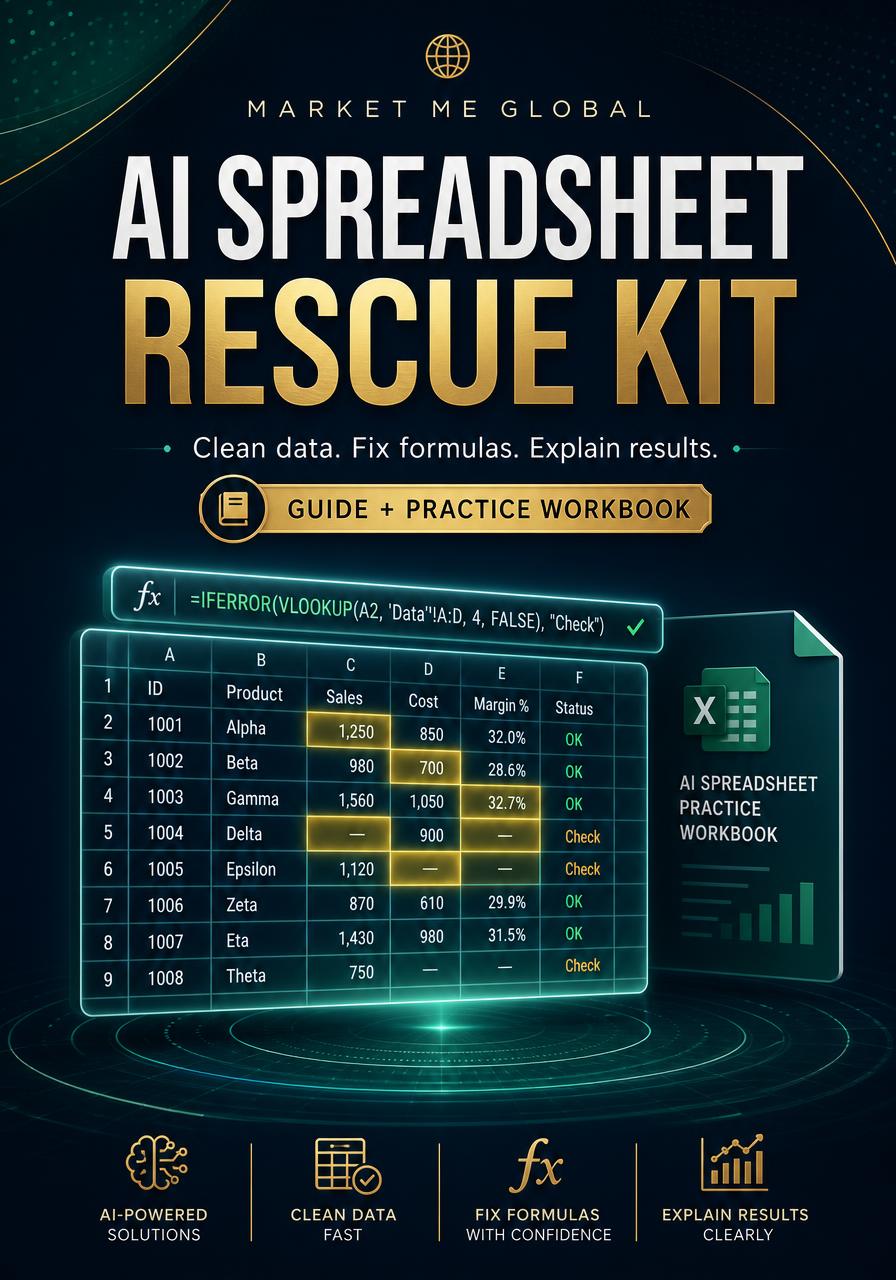
Messy labels, numbers stored as text, repeated identifiers and date boundaries quietly change a total. This kit shows you how to use an AI assistant to understand the problem, draft a formula, test it and explain the result, while the original export stays untouched.
Normalise messy labels, handle blanks and numbers stored as text, and keep the original export untouched while you work.
Build a conditional subtotal with visible review counts, so every source row is accounted for instead of silently dropped.
Explain the result, its scope and what it cannot show, in language a manager or client can act on.
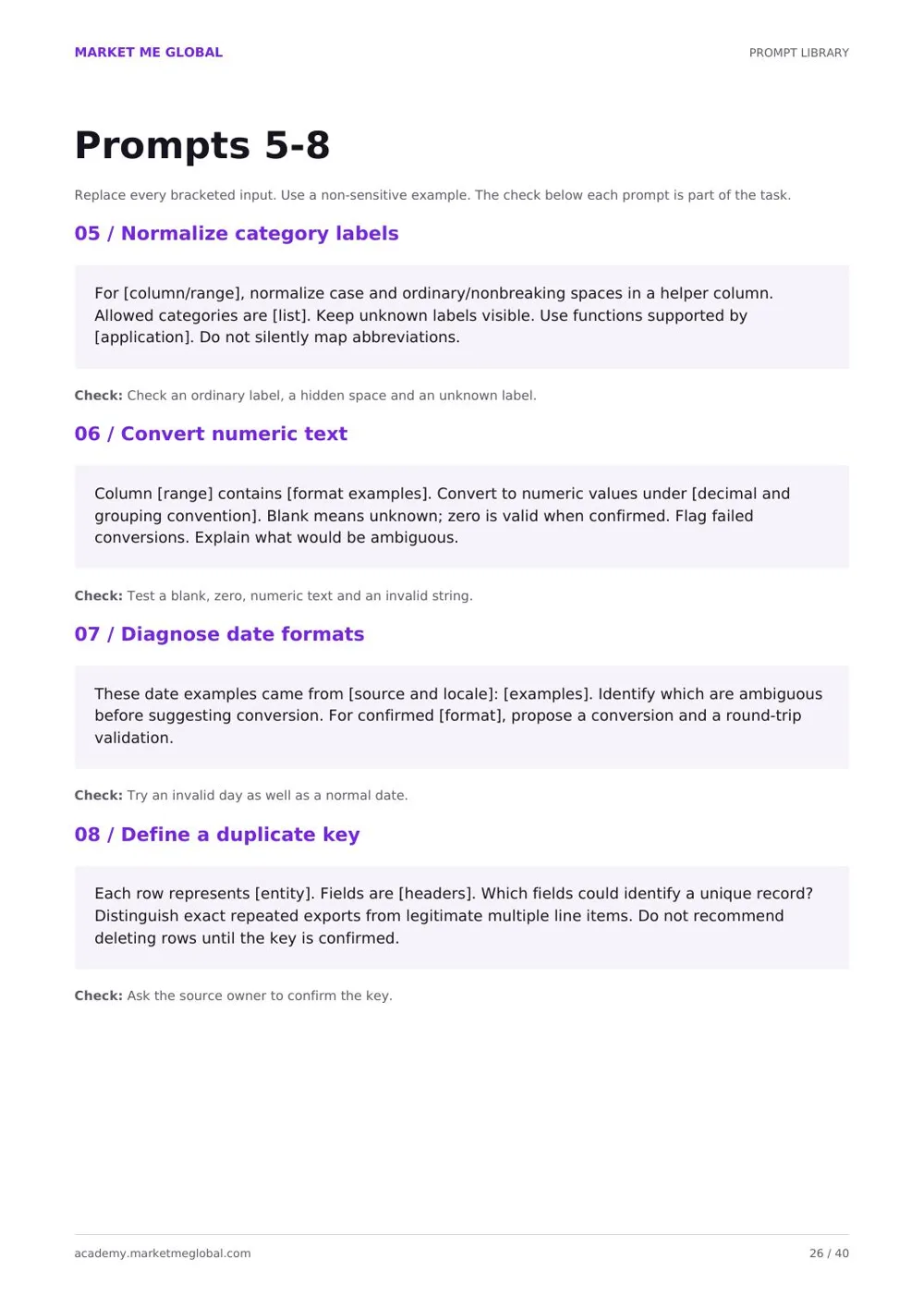
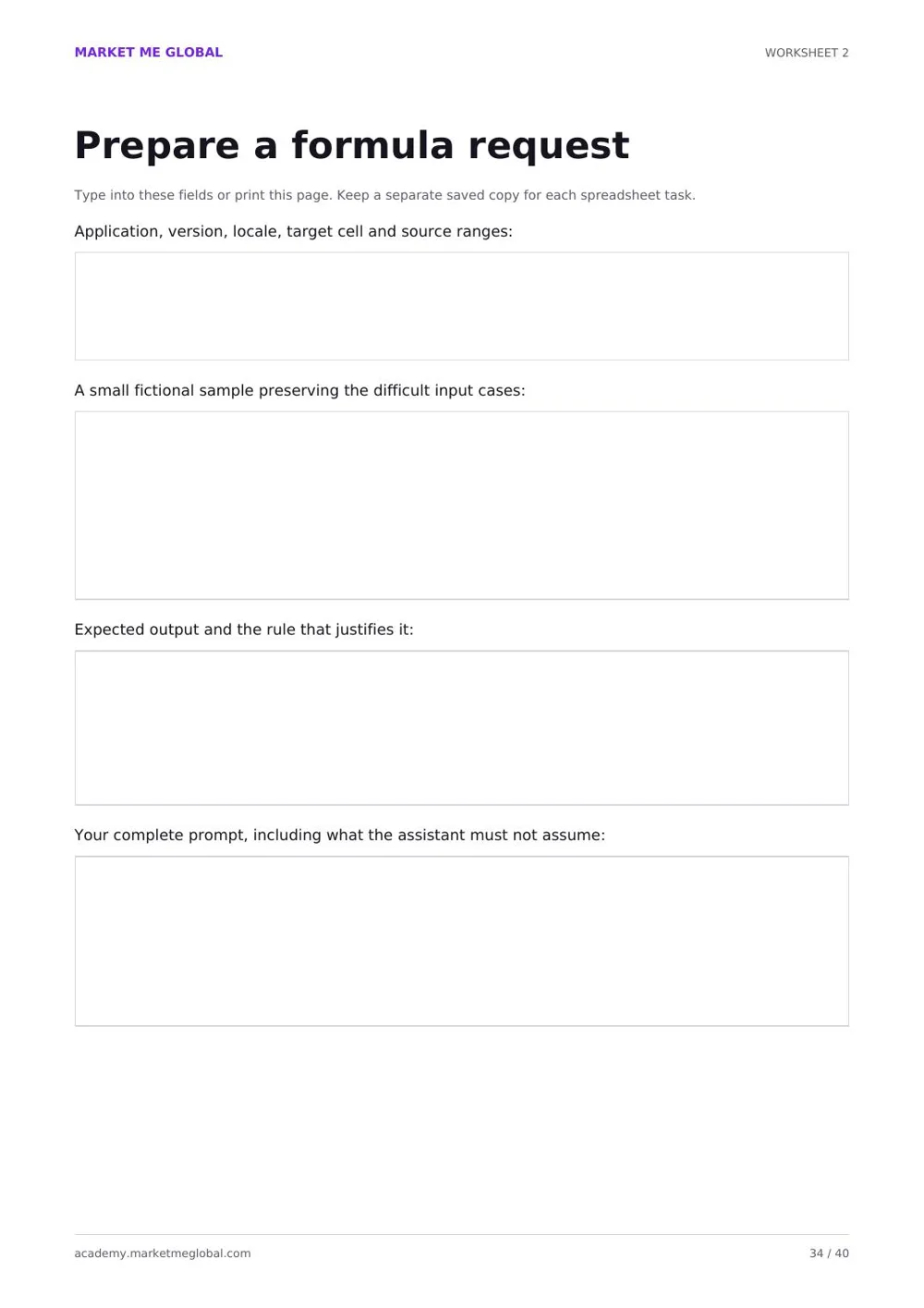
Write a task brief and build a safe sample with a known answer.
Normalise labels and handle missing and zero values separately.
Make an explicit duplicate decision and set the reporting scope.
Produce a conditional subtotal with a visible review count.
Test normal, blank, zero, duplicate and date-boundary cases.
Write a short report that matches the checked figures.
Hand over the work and plan the next export with the same method.
Step 1
Buy once and receive both files by email moments after payment is confirmed.
Step 2
Open the practice workbook and compare the opening figures with the answer key in the guide.
Step 3
Work through the cleaning, duplicate, date and total recipes on the supplied teaching data.
Step 4
Apply the same seven-step method to a safe copy of one of your own files.
All teaching data and worked scenarios are fictional. AI accounts, software subscriptions, personal spreadsheet repair and future updates are not included. The kit teaches a repeatable method and supplies one fully worked case, not an automatic fix for every workbook.
Licence. You may adapt the prompts, worksheets and practice methods for your own personal work and client projects. You may not resell, redistribute or upload the guide or companion workbook as a competing download.
Refunds. Because these are digital files delivered immediately after payment, you agree that delivery begins at once and the 14-day right of withdrawal no longer applies once the files have been sent. If something is wrong with your purchase, email info@marketmeglobal.com within 14 days and we will review your case. Your statutory rights for faulty digital content are not affected.
It is a 40-page fillable PDF guide plus a companion practice workbook. It teaches a repeatable method for using an AI assistant to understand a spreadsheet problem, draft a formula, test it and explain the result without losing the original data.
Two files: the 40-page A4 PDF with lessons, 24 prompts, capstone exercises, an answer key, four fillable worksheets and a formula reference, and the .xlsx practice workbook containing Report, Clean and Raw sheets with a worked solution.
No. You need to be able to open a workbook, select cells and copy a formula into a cell. The kit uses ordinary spreadsheet functions and prompts pasted into a chat assistant.
Yes. The formula patterns are available in both Excel and Google Sheets. The companion file is an .xlsx, so import a copy into Sheets and compare the opening figures before relying on the conversion.
No. The core lessons use a chat assistant plus ordinary formulas. An integrated add-on is optional. AI accounts, software subscriptions and personal spreadsheet repair are not included.
No. All teaching data and worked scenarios are fictional, and the kit shows you how to build a safe example from your own file before sharing anything with an assistant.
No. It teaches a repeatable method and supplies one fully worked case. Your own source definitions, key structure, locale and reporting rules still need to be understood.
After Stripe confirms payment, both files are emailed to the address used at checkout with secure 24-hour download links. The confirmation page also shows temporary secure links.
The €7.99 launch price ends automatically after 10 successful redemptions. The standard one-time price is then €14.99.
One worked case, 24 prompts and a method you can reuse on every export that lands in your inbox.
€7.99
Launch price for the first 10 purchases. Regular price €14.99.
Looking for something else? Browse all digital downloads, or browse the Academy chapters for structured video lessons.