
AI Content Creation · Chapter 3
AI Avatar for Your Brand: How to Create One (and What Chapter 3 Teaches)
8 September 2026 · 11 min read · by Emmanuel Abou Chabke
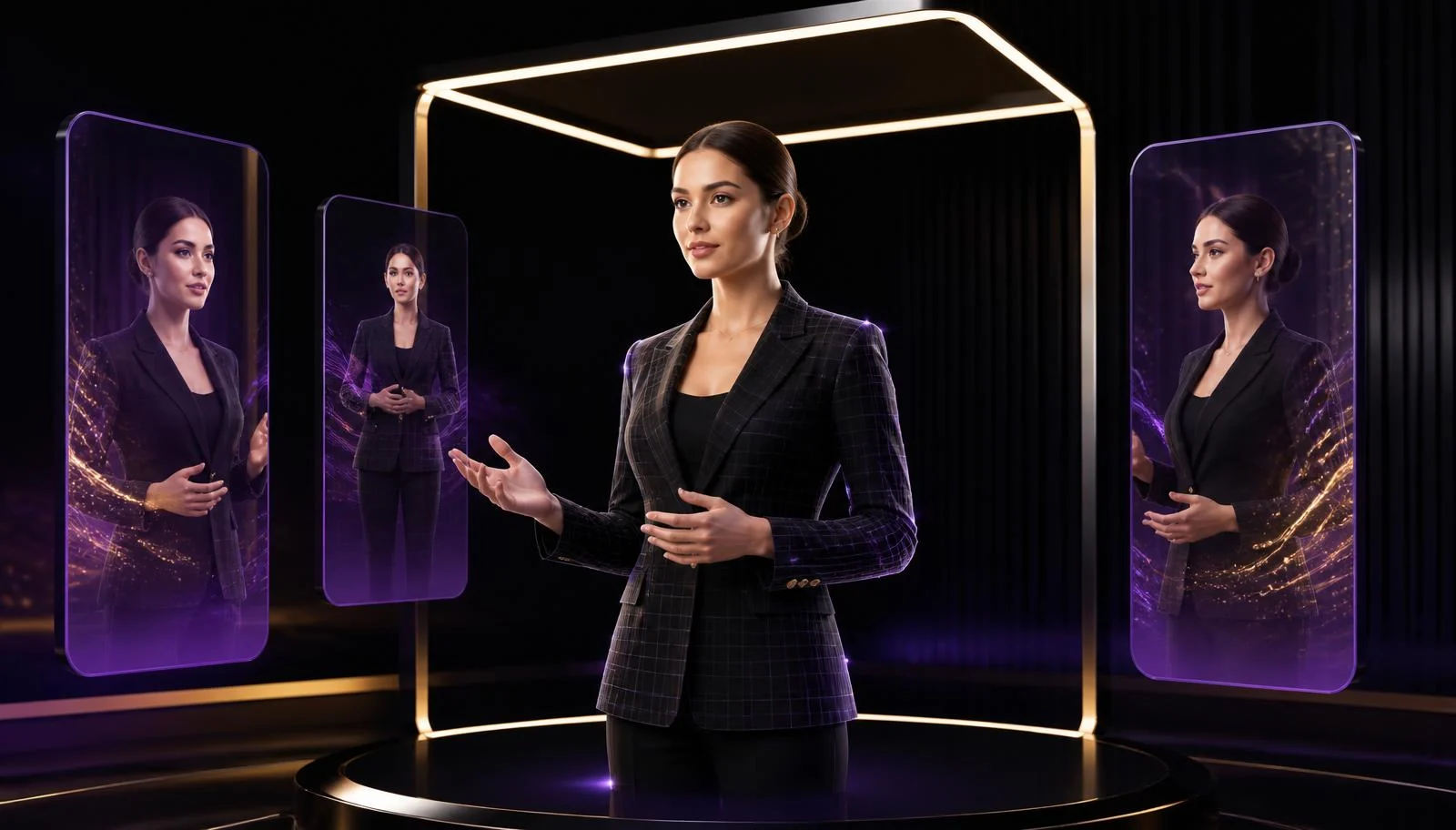
An AI avatar is a digital presenter that delivers your script on camera without a camera. You write the words, choose a face and a voice, and the tool renders a realistic talking video you can publish, advertise with or reuse in several languages. For a brand, it means weekly video without filming, and adverts you can actually afford to test.
Key Takeaways
- An AI avatar turns a written script into a realistic presenter video, with no camera, studio or actor.
- The script and the first three seconds decide performance. The avatar only delivers them.
- A small, cheap stack beats a large one: one avatar tool, one voice tool, one editor.
- Chapter 3 teaches digital presenters, product adverts, captions, carousels and repurposing on screen.
- Emmanuel Abou Chabke tested many tools and teaches only the ones that survived, which is where most of the saving is.
- Label AI-generated content and never fake a real person or a customer testimonial.
- If you would rather buy the output than learn the process, it is available as a service.
What Is an AI Avatar?
An AI avatar, also called a digital presenter or AI spokesperson, is a generated human presenter that speaks text you supply. Modern tools handle lip sync, head movement, expression and voice, and can render the same script in different languages. Some let you build the presenter from short footage of yourself, so the face on screen is your own even when you are not filming.
Two things worth separating early. The avatar is the delivery. The message, the offer and the hook are still yours, and they are the part that decides whether anyone watches. That is why the teaching in the Academy spends more time on prompts, scripts and structure than on tool buttons, and why prompt engineering matters here more than it looks.
Why Would a Brand Use an AI Avatar?
Because filming is the bottleneck. Most small brands know they should post video weekly, and stop after three weeks because each video costs a half day. An AI avatar removes the filming, the re-shoot and the scheduling, and leaves you with writing and editing. It also makes variation cheap, which is the only honest way to test creative: same body, five different hooks.
The realistic gains are time and volume, plus consistency of tone across a team. It will not manufacture demand, and a weak offer read by a flawless presenter is still a weak offer.
What Can You Use an AI Avatar For?
A presenter for every post
An AI avatar reads your script on camera, so you can publish talking-head content weekly without filming, lighting or re-shoots.
Product and offer adverts
Your product placed inside a clean advert with a digital presenter explaining the offer, made in an afternoon instead of a shoot day.
Faceless brand accounts
If you would rather not appear on camera at all, an AI presenter carries the brand voice while you stay behind the scenes.
One script, many languages
The same avatar video regenerated with different voice tracks, useful for markets where your audience reads and listens in more than one language.
Course, onboarding and explainer clips
Internal training, FAQ answers and how-to clips recorded once, then updated by editing text rather than refilming.
Ads you can actually test
Five hooks, five avatar variations, same script body. Cheap variation is what makes proper ad testing possible.
How Do You Create an AI Avatar, Step by Step?
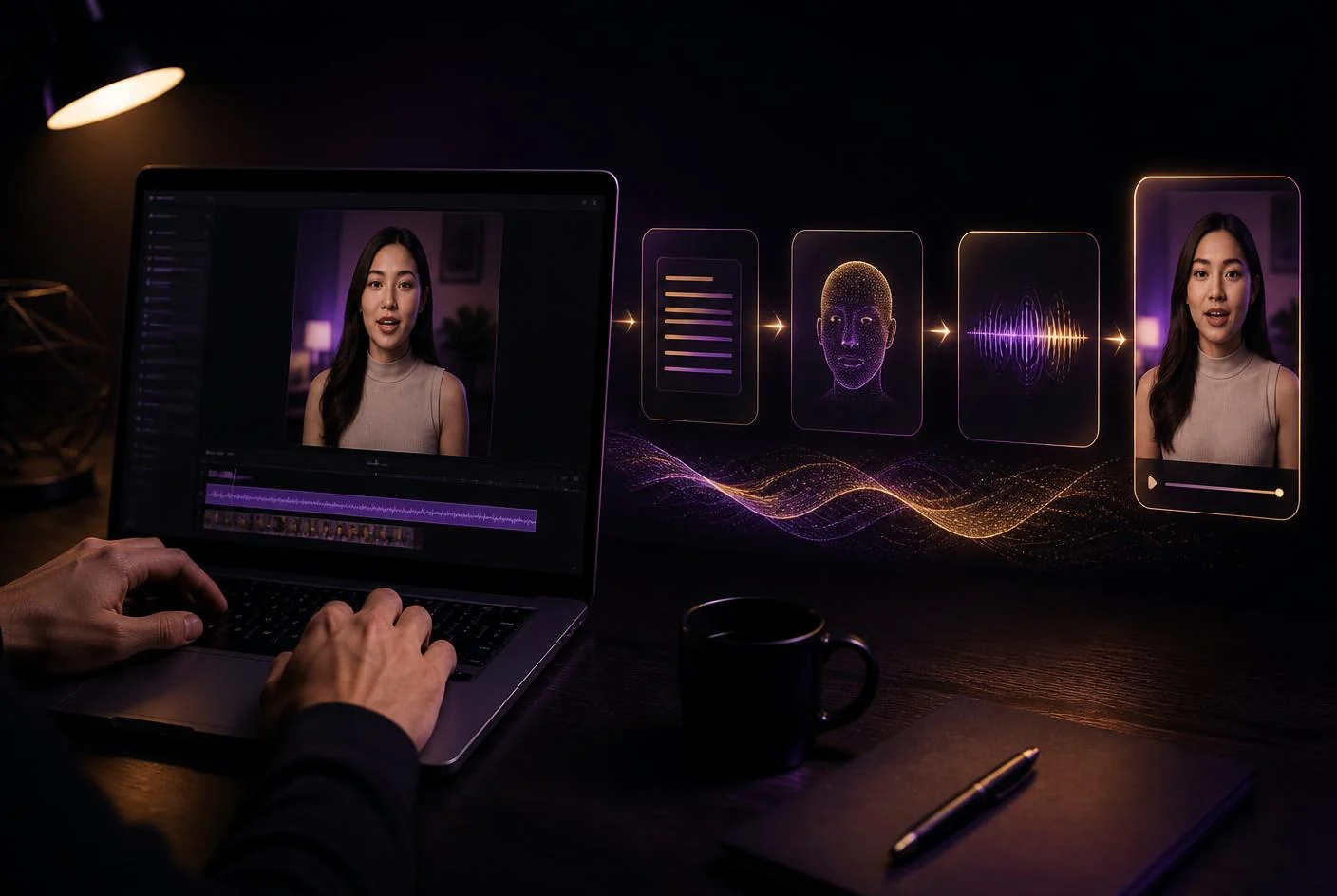
Six steps, and only one of them is the tool. This is the same order taught in the chapter, because doing it in any other order is what produces videos nobody finishes.
- Decide what the avatar is for. One job, not all of them. A weekly explainer, a product advert, or a faceless account. The purpose sets the tone, length and format before you touch a tool.
- Write the script in your own voice. Hook, one idea, one proof, one call to action. Roughly 130 words per minute of video. This is where the prompt structure taught in the chapters saves the most time.
- Choose the presenter and the voice. Stock avatar, or your own likeness with your own consent. Match the voice to the audience, not to what sounds impressive to you.
- Generate, then fix the small things. First renders are rarely right. Adjust pacing, pauses and pronunciation of brand names, then regenerate. Two or three passes is normal.
- Edit for the platform. Crop to vertical, add captions, cut the first dead second, place your product shots and end with the offer. Captions are not optional.
- Publish, measure, reuse. Watch retention on the first three seconds, keep what holds attention, and rebuild the winner with a new hook. That is the loop that compounds.
What Are the Best Affordable AI Avatar Tools?
The direct answer: you need four jobs covered, not four subscriptions. Avatar video, voice, editing and script. Everything else is optional. Emmanuel Abou Chabke tested a long list of platforms before settling on the small stack taught in the chapters, chosen for output quality at the lowest sensible cost, which is why the lessons name specific tools rather than listing everything on the market.
| Job | What it does | Typical cost level | What matters |
|---|---|---|---|
| Talking-head avatar videos | Turn a written script into a realistic presenter video, with a stock avatar or one built from your own footage. | Free trial credits, then low monthly plans | This is the core tool. Pick one and learn it properly rather than collecting five. |
| Voice and narration | Natural-sounding narration, multiple languages and accents, or a cloned voice of your own with consent. | Free tier for short clips, cheap paid tiers by character count | Voice quality is what makes an avatar believable, more than the face. |
| Cinematic AI video shots | Generated b-roll, product motion and scene shots to cut between avatar segments. | Credit-based, usually bundled with an AI subscription you may already own | Use sparingly. Avatar plus real product footage often beats fully generated scenes. |
| Editing, captions and formatting | Trimming, subtitles, hooks, aspect ratios and platform-ready exports. | Free plans cover most of what a small brand needs | CapCut-style editing is taught in the chapters because captions carry the watch time. |
| Scripts and hooks | Writing the script, the first three seconds and the variations you will test. | Free or already included in a ChatGPT or Claude plan | The script decides performance. The avatar only delivers it. |
| Branded stills and thumbnails | Covers, carousels and thumbnails that match the avatar video visually. | Free tier is usually enough | Consistency across the feed matters as much as any single video. |
Pricing on these platforms changes constantly, so the chapter shows what to look for in a plan, free credits, watermark rules, export resolution and commercial usage rights, rather than quoting figures that would be wrong within a month. For the wider toolset around this, see the best AI marketing tools and generative AI for marketing.
Examples: What the Results Look Like
Move through the 3D carousel with the arrows, dots, keyboard or a swipe. Select any card to play the video without leaving the page. These are the kinds of output students produce after the chapter.
AI-Generated Jewellery Content | Luxury Visuals by Market Me Global
Product-led luxury visuals, generated end to end and cut for the feed.
AI Made Me Unstoppable, Then It Got Weird | Cinematic AI Reel
A cinematic short built from prompts, generated shots and a scripted hook.
The Son Finally Surpassed His Father | AI Showdown #Shorts
Character-driven storytelling, all generated, edited for retention.
AI-Generated Perfume Ad for Your Brand | Market Me Global
An advert-style product film produced without a set, crew or camera.
I Plugged Into AI, It Tried to Delete Me | AI-Generated Cyber Action Ad
High-energy action ad, generated shot by shot and assembled in the edit.
Produced by Market Me Global with the same AI tools taught in Chapter 3.
How Chapter 3 Teaches AI Avatars
Chapter 3, AI for Social Media, Captions and Posts, is the chapter where the avatar work lives. It is taught on screen, with the tools open, using the same workflow above rather than theory. The chapter covers:
- Captions written for the platform they are posted on, instead of one caption copied everywhere.
- Turning one long video into several short-form pieces, which pairs directly with avatar clips.
- The reusable prompt system behind consistent results, so the second video is faster than the first.
- Branded carousels built around your own colours and identity.
- Digital presenters, realistic product advertisements, promotional videos and podcast-style creatives made without a camera crew.
- Two bonus lessons: turning an idea into a working website experience, and building an AI chatbot without code.
Students get the private portal, the prompt package used in the lessons, downloadable slides, saved notes, progress tracking, lifetime access to the chapter and a personalised Certificate of Achievement. There is a free monthly preview if you want to judge the teaching style before buying anything. Chapters 1 and 2 cover the tool choices and the productivity workflows that sit underneath all of it.
Learn the Full AI Avatar Workflow
Digital presenters, product adverts, captions, carousels and repurposing, taught step by step with the tools on screen and the prompts included.
Mistakes That Make an AI Avatar Look Fake
- A script written for the eye, not the ear. Read it aloud. If you stumble, so will the avatar.
- Too long. Thirty to sixty seconds holds. Two minutes of a static presenter does not.
- No cutaways. Break up the talking head with product shots, screen recordings or text frames.
- Wrong pacing. Add pauses deliberately. Uniform delivery is the clearest tell.
- Mispronounced brand names. Fix them phonetically in the script, not in the edit.
- No captions. Most feeds play muted, so silent viewers decide your retention.
- A different presenter every week. Consistency is what makes an avatar feel like a brand.
Where Is the Ethical Line?
Simple rules, and they protect you commercially as well as reputationally. Use your own likeness or one you have documented permission to use. Never generate a real person, a public figure or a lookalike customer. Do not present an AI presenter as a genuine testimonial or a real employee. Label AI-generated content, since several platforms now require it and advertising rules in most markets still hold you to truthful claims. Keep a person responsible for reviewing every claim in the script before it goes out, exactly as covered in using AI at work.
Prefer It Done for You?
Not everyone wants to learn a workflow. If you would rather buy the finished output, Market Me Global produces AI avatar videos, short-form social content and AI-assisted adverts as a service. Submit the enquiry form on the AI content creation service page with what you sell and what you need, and the scope, format and pricing are agreed from there.
Buy AI Content as a Service
AI avatar videos, product adverts and short-form content produced by the Market Me Global team instead of by you.
Frequently Asked Questions
What is an AI avatar?
An AI avatar is a digital presenter that speaks your script on camera. You type or paste the words, choose a face and a voice, and the tool generates a video of that presenter delivering the lines with matching lip movement and expression. No camera, studio or actor is involved.
How do I create an AI avatar for my brand?
Decide the one job the avatar does, write a short script in your brand voice, pick a presenter and a voice that fit your audience, generate the video, then edit it for the platform with captions and a strong first three seconds. Chapter 3 of the Market Me Global Academy walks through this end to end with the tools on screen.
Can I make an AI avatar of myself?
Yes. Most avatar tools can build a presenter from a short piece of footage of you, and some can clone your voice. Only do this with your own likeness or with the documented consent of the person involved, and never with a public figure or a stranger.
What is the cheapest way to make AI avatar videos?
Start on free trial credits with one avatar tool, one voice tool and a free editor, and only pay once you know which one you will use weekly. The expensive mistake is subscribing to five platforms at once. The chapters focus on the small stack that Emmanuel Abou Chabke settled on after testing many tools, so you can skip most of that spend.
Are AI avatar videos good for social media ads?
They work well where the message carries the ad: offers, explainers, product benefits and hook testing. They are weaker where genuine personality or trust is the whole point, such as testimonials or personal stories. Never present an AI presenter as a real customer.
Do I have to disclose that a video uses an AI avatar?
Treat disclosure as the default. Several platforms require AI-generated content to be labelled, advertising rules in many markets require material claims to be truthful, and audiences respond badly to feeling misled. Labelling costs you nothing when the content is genuinely useful.
Which chapter teaches AI avatars?
Chapter 3, AI for Social Media, Captions and Posts. It covers captions, repurposing, branded carousels, digital presenters and realistic product and promotional videos, plus two bonus lessons on building a website experience and an AI chatbot without code.
Can Market Me Global create AI avatar content for me?
Yes. If you would rather buy the result than learn the process, Market Me Global offers AI content creation as a service. Submit the enquiry form at marketmeglobal.com/ai-content-creation and the scope, format and pricing are discussed from there.
Two Ways to Get AI Avatar Content
About the author
Emmanuel Abou Chabke is the founder of Market Me Global and the instructor of the Academy chapters. He tests AI content tools on client work first, then teaches only the stack that holds up at a sensible cost.