
AI Game Creation | Buying Guide
How to Make a Game with AI: The KinetiRift Story and a 7-Step AI Game Creator Workflow (2026)
12 November 2026 | 12 min read
By Emmanuel Abou Chabke, founder of Market Me Global and creator of KinetiRift
Quick answer: To make a game with AI, start with a one-sentence brief and one core action, use AI to design rules, art direction, a first level and starter code, then playtest and share a short trailer. That is the same small-steps approach behind the games on the KinetiRift YouTube channel. The AI Game Creator Kit packages the prompts, guided projects and starter code so you can follow it from idea to playable prototype.
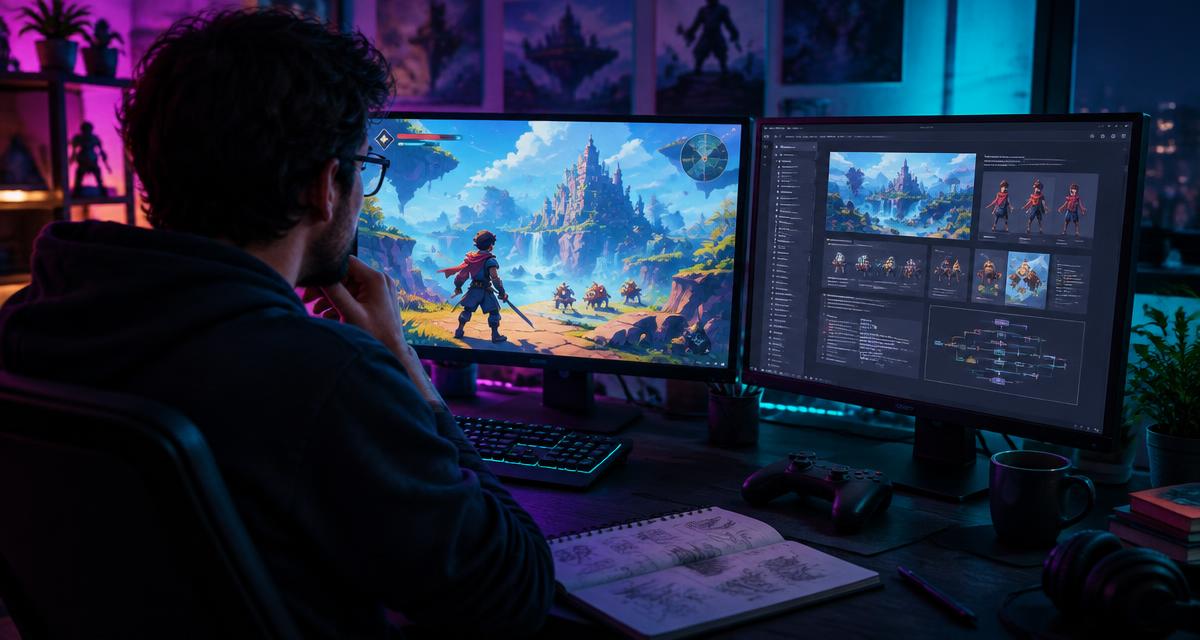
The KinetiRift story: from an idea to a playable world
Every game starts the same way: a picture in your head that feels exciting and impossibly big. For years, that is where most ideas stayed, because making a game meant a team, a budget and months of code before anything moved on screen.
KinetiRift is my answer to that. It is the YouTube channel where I share the games I build as an independent creator, using AI as a design partner, coding helper and art assistant. Each project starts small, one character, one action, one world, and grows only when the core feels good to play.
The lesson from every KinetiRift project is simple. AI does not make the game for you. It removes the blank page at each step, so you spend your time on the decisions that make a game yours: how it feels, how it looks and why someone would play again.
Watch the KinetiRift games
Swipe through real projects from the channel. Tap a card to play the video.
Founder-built game example 1
A real project shared on the KinetiRift channel, created by Market Me Global founder Emmanuel Abou Chabké.
Founder-built game example 2
See another playable direction from the founder's independent game-building work.
Founder-built game example 3
A closer look at how an original concept can become a visible, playable world.
Founder-built game example 4
One more real example from the KinetiRift game channel.
The 7-step AI game creator workflow
This is the workflow to make your first game with AI. Use it for one small project before you dream bigger.
- 1
Write a one-sentence game brief
Who is the player, what do they do, and why do they want to play again? If it does not fit in one sentence, the idea is still too big.
- 2
Pick one core loop
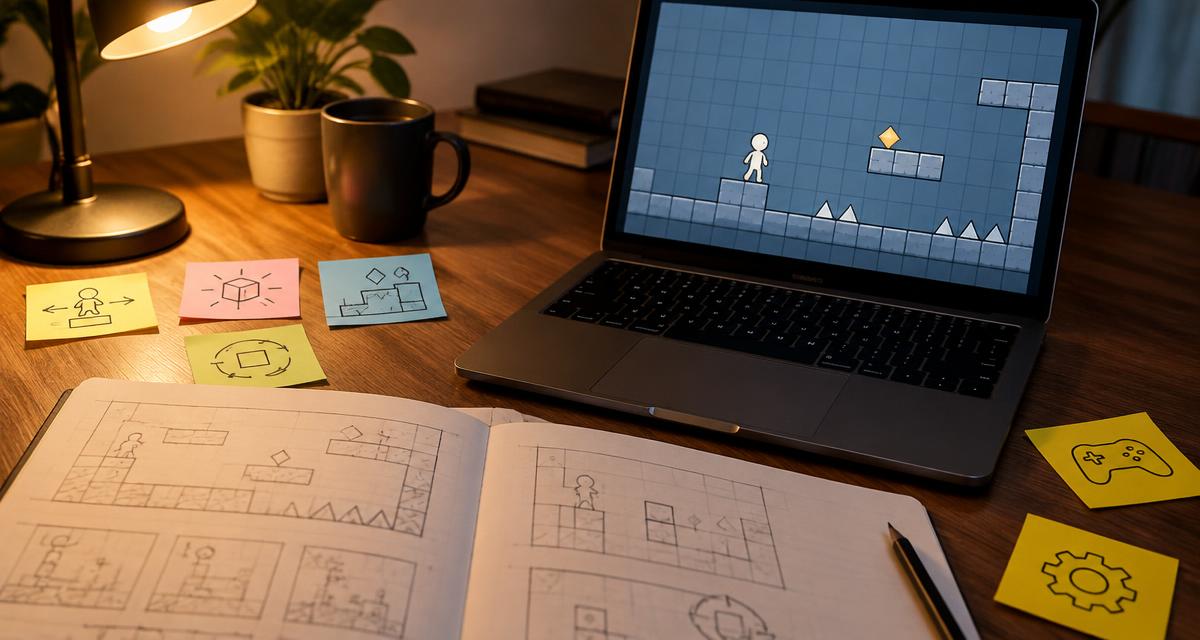
Jump, dodge, collect, solve. Choose a single action that feels good and build everything around it.
- 3
Design the rules and mechanics
Ask AI to list win and lose conditions, scoring, difficulty steps and edge cases. Cut anything that is not needed for the first version.
- 4
Set the art direction
Describe mood, colours, camera and character style once, then reuse that description so every asset looks like it belongs to the same world.
- 5
Build one small level
One short level, start to finish. Let AI help with starter code and layout ideas, then make it playable before adding content.
- 6
Playtest and fix
Watch someone play. Note where they get stuck, bored or confused, then ask AI to suggest fixes for those exact moments.
- 7
Share a short trailer
Record 30 to 60 seconds of gameplay and post it, like the KinetiRift channel does. Real feedback tells you what to build next.
Want the guided projects, 40 prompts and starter code?
Launch price $7.99 | 10 of 10 launch copies left, then $17.49.
Private 24-hour download link by email. No account needed.
6 copy-ready prompts for your AI game maker
These work in ChatGPT, Claude, Gemini or any AI chat tool. Replace the brackets with your own idea.
Game brief
Act as an indie game designer. Turn this idea into a one-sentence game brief, a core loop and three reasons a player would replay it: [your idea]. Keep it small enough to prototype in one weekend.
Mechanics and rules
For a [genre] game where the player [core action], list the rules, win and lose conditions, scoring, three difficulty steps and five edge cases I should handle. Mark which ones are needed for a first prototype.
Art direction
Write a reusable art direction description for a [genre] game set in [world]. Include mood, colour palette, lighting, camera angle and character style in under 80 words so I can paste it into every image prompt.
First level layout
Design a 2-minute first level for my game: [brief]. Describe the layout in sections, where the player learns each mechanic, one surprise moment and the finish. No new mechanics after the halfway point.
Starter code
Write simple, commented starter code in [engine or language] for a player that can [movement], collide with walls and collect items that increase a score. Explain how to run it.
Playtest fixes
Playtesters said: [feedback]. Suggest the three smallest changes that would fix the biggest problems, and tell me how to test each change.
Save the prompts that work in a free AIQuickPrompt account so every new game starts from tested wording.
Common mistakes when you create a video game with AI
- Starting with an open world instead of one short level.
- Generating art before the game is fun to play.
- Changing the art style in every prompt, so assets do not match.
- Adding features instead of fixing what playtesters struggled with.
- Keeping the game private until it is perfect. Share early.
A good first game is short, clear and finished. That is worth more than a huge unfinished one.
Where the AI Game Creator Kit fits
The workflow above is free. The kit is for creators who want the full structure behind it: a practical guide, 40 prompts, guided projects, starter code, artwork and reusable planning tools, in one download. It is built from the same small-steps method I use for KinetiRift.
Beginners
A clear route from idea to first playable build.
Parents and teens
A creative project to build together, one step at a time.
Hobby creators
Prompts and templates to stop restarting from zero.
No sales, downloads or success are guaranteed. Try the free sample first to see if the style suits you.
FAQ
Can I make a game with AI without coding experience?
Yes, for a small first game. AI can explain and write simple starter code, but you still need to test, read errors and make decisions. Start tiny and learn as you build.
What is the best AI game maker?
There is no single best tool. General AI chat tools help with design, code and story, image tools help with concept art, and a game engine puts it together. The workflow matters more than the tool.
What is KinetiRift?
KinetiRift is the YouTube channel where Market Me Global founder Emmanuel Abou Chabke shares game projects he builds. The videos show what focused, AI-assisted independent building can look like.
How long does it take to make a game with AI?
A small playable prototype can take a weekend or a few evenings. A finished, polished game takes much longer. Timing depends on your scope, skills and tools.
What is inside the AI Game Creator Kit?
A practical guide, 40 prompts, guided projects, starter code, artwork and reusable planning tools to take a small game idea to a playable prototype. Download the free sample to see the style first.
Does the kit guarantee a successful or profitable game?
No. The kit gives you a structured method and materials. Results depend on your idea, effort and testing.
Your first playable game starts with one sentence
Launch price $7.99 | 10 of 10 launch copies left, then $17.49.
Finish a small playable loop before adding a world
Define the player action, the response and the condition that ends the round. Test that loop with placeholder assets before expanding the story or generating more art. Keep a working version you can return to after each change. Ask AI for small, explainable code changes so you can check what the update affects.
Try this example
For a simple collecting game, make movement, one collectible and a visible score work first. Test restarting after a win, missing a collectible and using a different screen size. Only then add more levels or visual effects. A small complete game teaches more about finishing than a large untested feature list.
Check your result before the next step
- Test controls, scoring, restart and failure states after each change.
- Check asset licences and avoid exposing secrets in browser code.
- Keep a recoverable working version and ask another person to play it.
One more question, answered
What is the best first game to build with AI?
Choose one mechanic you can test easily, such as collecting objects or solving a short puzzle. Finish the playable loop before adding multiple systems or a large story.
Continue with the AI Game Creator Kit to put this guide into practice.