
AI for Teachers | Buying Guide
AI Tools for Teachers: Lesson Plans, Worksheets and Feedback in Minutes (2026 Guide)
9 November 2026 | 13 min read
By Emmanuel Abou Chabke, founder of Market Me Global
Quick answer: The most useful AI tools for teachers are the general AI chat tools your school already allows, used with good prompts. Give AI your objective, age group and lesson length, and it drafts lesson plans, worksheets, differentiated tasks, rubrics, report comments and parent emails in minutes. You review and adapt everything, and you never paste pupil personal data. The AI Teacher Workload Kit packages the prompts, templates and planning workspace to do this every week.

Why teacher workload keeps growing
Most teachers did not join the profession to format worksheets at 10 pm. Yet planning, resource making, marking, reports and parent messages often spill into evenings and weekends, on top of a full timetable.
Much of that work is drafting: writing the same lesson structure, the same type of question, the same kind of comment again and again. That is exactly what AI is good at. It writes a fast first draft, and you spend your energy on the part only a teacher can do, knowing your class.
Where AI helps teachers most
Think of AI as a quick teaching assistant that only knows what you tell it. These six jobs are where it saves the most drafting time:
AI lesson plan generator
Turn a learning objective, age group and lesson length into a timed plan with starter, main activity, checks for understanding and plenary.
AI worksheet generator
Draft practice questions, gap fills and short reading tasks that match your objective, with an answer key you check.
Differentiation
Ask for the same task at three levels, with sentence starters or extension questions, so every learner has a way in.
Rubrics and feedback
Write clear success criteria and feedback banks. AI helps you phrase next steps, you decide the judgement.
Report card comments
Turn your own short notes into warm, specific comments in your school's style, without pasting pupil names.
Parent messages
Generic class updates, trip reminders and homework notes, polite and clear, ready for your review.
The 7-step AI workload workflow for teachers
Use it for one task first. Once your teaching facts and prompts are saved, each new week starts faster.
- 1
List your weekly time drains
Write down what eats your evenings: planning, resources, marking, reports, emails. Start with the one task you repeat most.
- 2
Write the teaching facts once
Subject, age, curriculum objective, lesson length, prior learning and the resources you have. AI only works from what you give it.
- 3
Generate a first-draft lesson plan
Ask for a timed structure with a starter, modelled example, guided practice, independent task and exit check.
- 4
Build resources from the plan
Turn the main activity into a worksheet, slide outline or quiz, plus an answer key. Check every answer yourself.
- 5
Differentiate in one pass
Request support, core and challenge versions of the same task, so you do not rewrite it three times.
- 6
Prepare feedback before marking
Write success criteria and a feedback bank first. Marking becomes choosing and personalising, not writing from scratch.
- 7
Review, adapt and save
Read everything as the teacher, adjust for your class, then save the prompts that worked so next week starts faster.
6 copy-ready prompts: free AI tools for teachers
These work in ChatGPT, Claude, Gemini, Copilot or any AI chat tool. Replace the brackets with your own details. Keep everything generic and anonymous.
Lesson plan
Act as an experienced [subject] teacher. Create a [length]-minute lesson plan for [age/year group] on the objective: [objective]. Prior learning: [what they know]. Include timings, a starter, a modelled example, guided practice, an independent task, two checks for understanding and an exit question. Keep it realistic for a class of [number] with [resources].
Worksheet with answer key
Create a worksheet for [age/year group] on [topic] with 8 questions that build from easy to harder. Include one worked example at the top and a separate answer key. Use clear, age-appropriate language and no images.
Three-level differentiation
Here is a task: [paste task]. Rewrite it at three levels: support (with sentence starters or scaffolds), core, and challenge (with an extension question). Keep the same learning objective for all three.
Rubric and feedback bank
Write a 4-level rubric for [task] for [age group] with clear success criteria. Then write a feedback bank: 5 'what went well' comments and 5 specific 'next step' comments linked to the criteria.
Report comment from notes
Turn these notes into a 60-word report comment in a warm, professional tone for a [age group] pupil. Use 'the pupil' instead of a name. Notes: [strengths], [one area to improve], [one next step]. Do not add anything not in the notes.
Parent class update
Write a short, friendly email to parents of my [year group] class about [topic, e.g. a trip or homework change]. Include the date, what to bring or do, and who to contact. Under 120 words, clear and polite.
Save your best versions in a free AIQuickPrompt account so next week's planning starts from tested wording.
Want all 40 teacher prompts, the templates and the planning workspace?
Launch price $6.99 | 10 of 10 launch copies left, then $13.99.
Private 24-hour download link by email. No account needed.
AI for teachers: examples by situation
Primary teacher, Sunday planning
Plan the week's maths lessons from objectives, then generate one worksheet per lesson at three levels. Review and print.
Secondary English teacher
Build a rubric and feedback bank before marking 30 essays, so comments are faster and more consistent.
New teacher
Use AI to suggest a lesson structure and checks for understanding, then compare with a mentor's advice.
Report season
Write short notes for each pupil yourself, then let AI turn them into comments in your school's style.
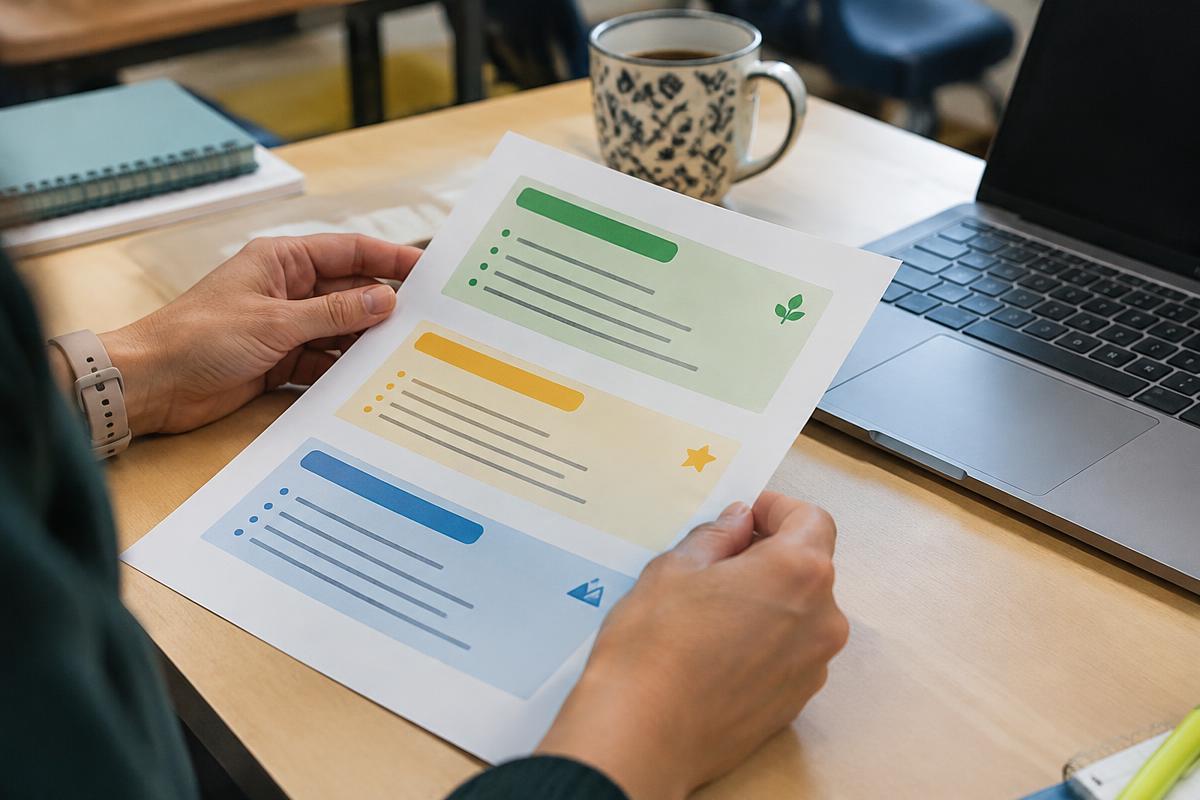
By hand vs AI with no plan vs a full teacher AI kit
| Approach | Speed | Quality | Main risk |
|---|---|---|---|
| Everything by hand | Slow | High | Evenings and weekends lost |
| Downloaded generic resources | Fast | Varies | Poor fit for your class |
| AI chat with no method | Fast | Varies | Errors, privacy slips |
| Your facts + prompts + review + templates | Fast | High | Low, when you check everything |
General comparison only. Results depend on your subject, class, school policies and how much you review.
Common mistakes teachers make with AI
- Printing AI worksheets without checking the answers.
- Giving vague prompts, then getting vague lessons.
- Pasting pupil names or grades into tools the school has not approved.
- Letting AI decide marks instead of supporting your judgement.
- Using the same generic report comment for every pupil.
- Not saving the prompts that worked, so every week starts from zero.
Privacy and safe-use checklist
- Use only AI tools your school or district allows.
- Never paste pupil names, personal details or linked grades.
- Check every fact, answer key and reading level before use.
- Keep marking and assessment decisions with the teacher.
- Follow your curriculum and school policies on AI.
- Be open with colleagues about how you used AI to prepare resources.
What is inside the AI Teacher Workload Kit
Everything above, ready for every week of term. The workspace runs offline in your browser, stores no pupil data and makes no network requests.
56-page illustrated guide
AI-assisted lesson planning and feedback, step by step.
14-page fillable workbook
Plan your week and your prompts in one place.
12-page classroom resource pack
Original resources with teacher guidance.
Offline planning workspace
Lesson timing, a weekly plan and a time-review calculator.
40 copy-and-adapt prompts
Planning, resources, feedback and parent messages.
8 editable templates
With fictional worked examples for English and maths.
Curious about the bigger picture? Read AI in education in 2026, or browse all digital downloads.
Key takeaways
- Start with your biggest weekly time drain.
- Clear teaching facts in, better drafts out.
- AI drafts plans, worksheets and comments. You review and decide.
- Keep pupil data out and save the prompts that work.
Frequently asked questions
What are the best AI tools for teachers?
General AI chat tools such as ChatGPT, Claude, Gemini or Copilot can all help with planning, resources and feedback. Use the tools your school approves. The method matters more than the tool: clear teaching facts in, careful teacher review out.
Is there a free AI lesson plan generator?
Yes. The lesson plan prompt in this guide works as a free AI lesson plan generator in any AI chat. Save it in a free AIQuickPrompt account so you can reuse it every week.
Can AI make worksheets?
Yes. AI is a quick worksheet generator for practice questions, gap fills and short reading tasks. Always check the answers and the difficulty level before you print.
Can AI grade student work?
AI can help you write rubrics, success criteria and feedback banks. The judgement and the final mark should stay with the teacher, following your school's assessment policy.
Is it safe to put pupil information into AI?
Avoid it. Do not paste names, grades linked to names, or personal details into AI tools unless your school has approved that tool for it. Work with generic, anonymous information.
Will AI really reduce teacher workload?
It can shorten first drafts of plans, resources and comments, but the result depends on your subject, class and how much you review. Measure your own time before and after.
What is inside the AI Teacher Workload Kit?
A 56-page guide, a 14-page fillable workbook, a 12-page classroom resource pack, an offline planning workspace, 40 prompts, eight editable templates and fictional worked examples, in one ZIP.
Does the kit guarantee time savings?
No time saving is guaranteed. The kit includes a time-review calculator so you can see what changes for you. Download the free sample to try the style first.
Plan next week's lessons with less late-night work
Launch price $6.99 | 10 of 10 launch copies left, then $13.99.
Review the worksheet as a learning activity
Check more than spelling. Each task should match the learning objective, use language suitable for the class and lead to an answer you can verify. Make sure differentiated versions practise the same core idea rather than simply adding or removing words. Keep student details outside the prompt, and check any suggested adaptations against what you know about the learners.
Try this example
For a lesson on fractions, ask for three questions with increasing difficulty and a separate answer key. Solve them yourself and check that diagrams and wording agree. Give one question to a colleague to see whether the instruction is unambiguous. Revise the material before making a full class set.
Check your result before the next step
- Solve every generated question and check the answer key.
- Match vocabulary, challenge and examples to the class.
- Use anonymised context and keep final teaching decisions with the teacher.
One more question, answered
Can I give an AI-generated worksheet straight to a class?
Review it first. Check the answers, clarity, suitability and learning objective, and adapt the task to your pupils and school rules.
Continue with the AI Teacher Workload Kit to put this guide into practice.