
AI Buying Guides | Websites
AI Website Builder for Small Business: What to Check Before You Buy
· By Market Me Global Academy · 7 min read
The builder produces a handsome home page. On a phone, the enquiry button sits below two screens of introduction, and the first message goes to the account used to set up the site. A small business needs a page that gets a customer to the right person. Test that journey before you buy.

1. Compare what each purchase gives you
An AI website builder can turn a brief into draft pages. Before buying, find out how much editing the business can do itself, which features come with the plan and who will look after enquiries after launch.
| Option | Useful when | Check before paying |
|---|---|---|
| Hosted AI builder | You want to edit and publish from one account. | Domain support, form delivery, renewal cost and export limits. |
| Your current editor with AI drafting | You already have a working site and need clearer copy or a better page. | Can you update it on mobile and keep the existing enquiry workflow? |
| Academy Website Launch Kit | You want help writing a brief, checking a draft and handing it over. | Inspect the free sample and budget for your builder and domain separately. |
2. Test an enquiry from a real phone
Imagine a fictional ceramics studio that runs beginner wheel-throwing classes. The owner confirms availability by email. Write one page for someone who wants to try a class this Saturday. Use “Ask about a class” as the main button. Publish a private preview or staging link for the exercise.
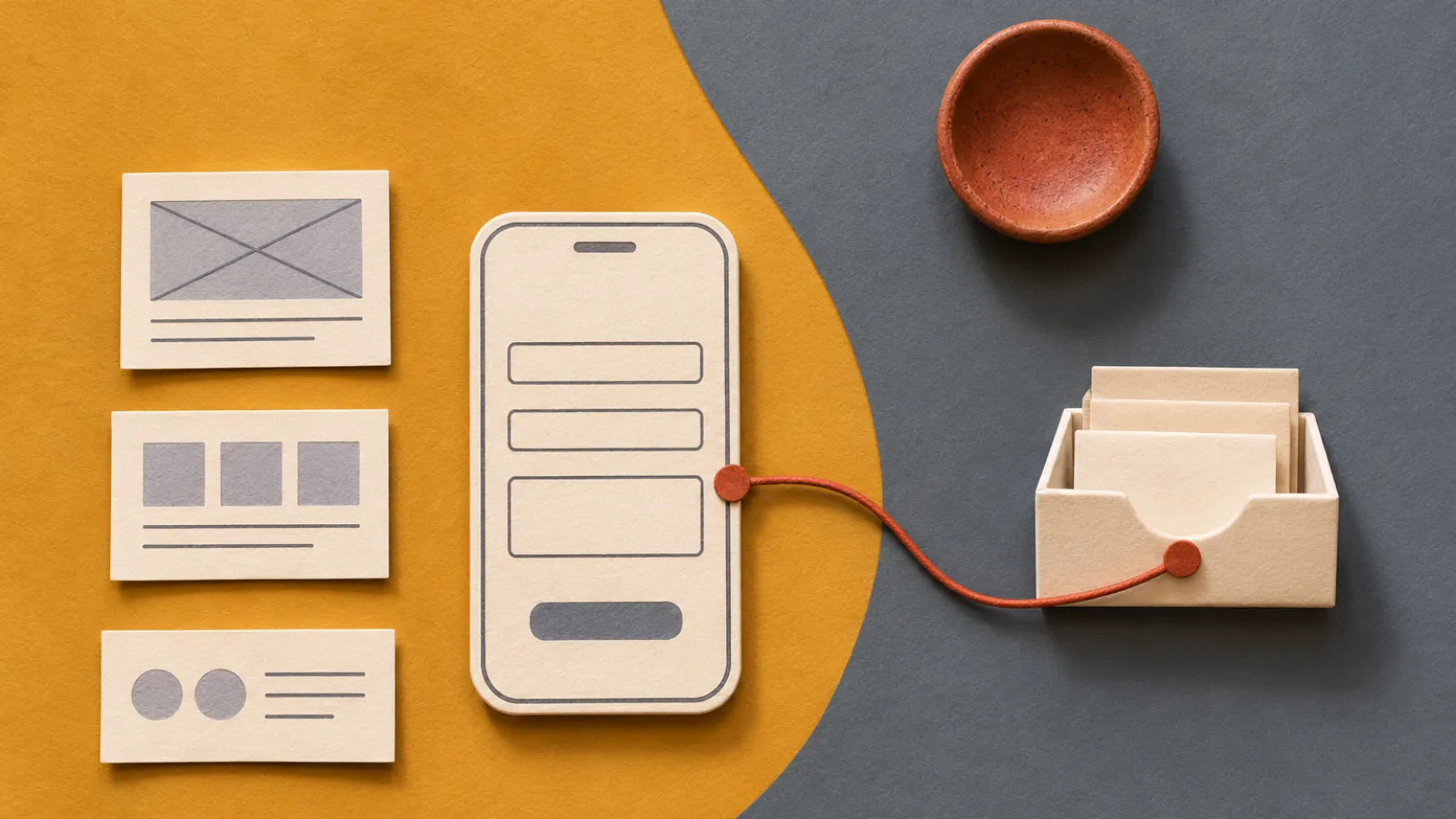
- Open the page on a phone. Find the class description and enquiry button without zooming. Check that headings and form labels stay readable with larger text.
- Try an incomplete form. Leave the email blank and check that the page explains what to fix without erasing the other fields. Try the form with a keyboard as well.
- Send a labelled test enquiry. Submit a test name, email and preferred date. Have the owner check the correct inbox, including spam, and send a reply to the test address.
- Check what the page promises. The confirmation can say “We received your enquiry and will email you about availability.” Only promise an instant booking if the booking system really confirms a place.
- Ask someone else to make an edit. The owner should be able to change a class time and preview the update before publishing.
3. Check ownership, renewal and performance
Find out what can move. Ask who controls the domain, where the editable source lives, and which parts export. For example, Wix’s documentation explains that sites built with its technology run on Wix hosting even when the domain is managed elsewhere. Ask separately about exporting content and moving features such as forms, bookings or payments.
Price the whole setup. Use the real plan needed for your form, domain and team. In a hypothetical example, a €15 monthly plan, an €18 annual domain and a €60 annual form add-on cost €258 in year one. A renewal to €20 per month takes the same setup to €318, before any taxes or other charges. Use annual totals when one plan looks cheaper because of a first-year discount.
Review the published page. Try it on your phone over a mobile connection and check loading, responsiveness and layout shifts. Google’s Web Vitals documentation describes measures for those three areas. Test the enquiry after publishing as well, since the preview can use different form settings. Confirm the public page title, business details and index settings when it’s ready to be found.
4. Copy three prompts for your own test
Keep the same brief across trials so you can compare the editing work each option leaves you with.
Write a brief with a single goal
Using only these verified business details, draft a one-page website brief. State the audience, their main question, one action for the page, verified proof we may publish and facts that still need confirmation.
Draft the enquiry experience
Write a short hero heading, a useful description, a form with three necessary fields and a confirmation message. Readers submit an enquiry and the business replies to confirm availability. Leave any unknown business details as CHECK.
Review before publishing
Review this draft and list the checks my team must carry out on a real phone. Cover labels, errors, form delivery, business details, page title, links and editing access. State which items require a manual test.
5. Preview the Academy’s AI Website Launch Kit
Our AI Website Launch Kit takes a small service business from a brief through copy, mobile review and the enquiry journey. Use the practice examples to learn the process, then supply your own business information and configure your live form.
- 54-page practical guide with 25 lessons
- 30 copyable prompts for planning, writing, building and review
- Six fillable worksheets and editable working files
- Three fictional practice websites to explore and adapt
- 30-point launch checklist
- Business briefs, trackers and handoff templates
Start with the free sample
Download the sample to see how the kit is organised. The complete download is a one-time purchase at $7.99. Builder subscriptions and domain costs are separate.
6. Frequently asked buying questions
What does an AI website builder do for a small business?
It can draft page sections, layout and copy from a brief. The owner verifies business facts, configures the enquiry or booking workflow and approves the published site.
Do I need an AI builder if I already have a website?
If you can change the copy, improve the mobile layout and fix the enquiry form in your existing editor, test those improvements first. Consider moving when your current setup cannot support the work you need.
Can I move my domain and website to another provider?
Check them separately. You may be able to keep or transfer a domain while the site still depends on its current host. Ask what happens to the pages, images, content records, form submissions and integrations.
Does the Academy Website Launch Kit include hosting?
The kit is a downloadable guide with practice sites, prompts, worksheets and a launch checklist. Domain registration and builder costs are separate. The practice examples use demonstration forms.
Can I preview the Academy kit before paying?
Yes. The free PDF sample is available from this guide and the product page without an account or email address.
Give each builder the same brief
Set one page goal and name the staff member who will maintain it. Build the same page with the same verified information in each workflow. Count how long it takes to make a real change and test the working action on a phone.
Try this example
Ask a colleague to post a new class time and submit a test enquiry. Have them confirm that the message reaches the right inbox and that the success message promises a reply, rather than a confirmed booking.
Check your result before the next step
- Check the page on a phone and submit the enquiry yourself.
- Ask who controls the domain, inbox and editing account.
- Price the first year and the renewal year, including the required extras.
One more question, answered
What is the fastest way to compare two AI website builders?
Use the same small-business brief in both. Compare how quickly you can correct the content, update it on a phone, publish it and follow a test enquiry through to the right inbox.
Continue with the free AI Website Launch Kit sample to put this guide into practice.
Sources and product information
Platform documentation checked 20 November 2026. The studio, prices used in the budgeting exercise and the prompts are original teaching material. This guide features the Academy’s own paid kit and its free sample.