
AI Tools · Workflow
Why every LLM user needs a prompt vault, starting on day one
8 min readBy Emmanuel Abou Chabke

The mistake almost every new AI user makes
You open a chat, write a rough instruction, get a mediocre answer, refine it three or four times, and finally land on something genuinely good. Then you copy the output, close the tab, and the prompt that produced it is gone. Next week you start from scratch and land somewhere slightly worse.
That is the entire problem. The value in AI work is not the answer you got today, it is the instruction that reliably produces good answers tomorrow. Treating prompts as disposable is like a photographer deleting the negatives and keeping only the prints.
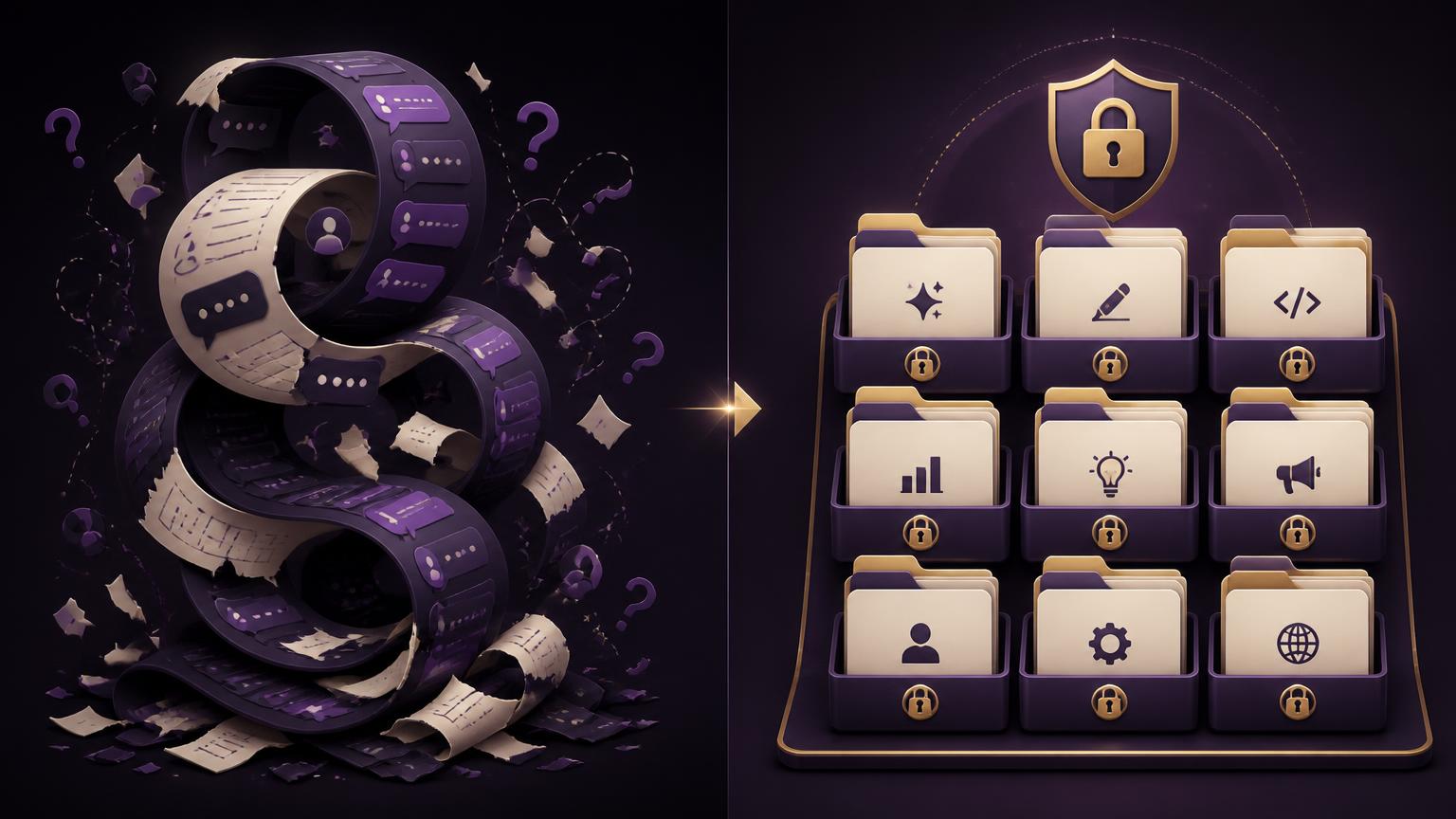
Why chat history is not a prompt library
- It is ordered by time, and you never remember when you wrote the good one.
- It is locked to one provider, so switching models costs you your whole record.
- Search matches words, not outcomes, so you cannot ask it for "the brief that converted".
- It mixes throwaway questions with your best work, at the same visual weight.
- It has no versions, so your third refinement buries the second one you actually preferred.
The benefits, stated plainly
Why starting early matters more than the tool
A prompt library is a compounding asset. In month one it saves you a few minutes. By month six you open your vault, pick a proven prompt, change two variables and ship, while someone who never saved anything is still explaining context from zero. Same models, same skill level, very different output.
This is also the cheapest possible insurance against model churn. New models arrive constantly. Your prompts, phrased around outcomes rather than provider quirks, transfer on day one.

Why we recommend AIQuickPrompt
We tested notes apps, spreadsheets and browser extensions before settling. A notes app has no structure, a spreadsheet is unusable on mobile, and extensions break every time a provider ships a UI change. AIQuickPrompt is purpose-built for this one job: folders and favorites, live search, one-tap copy, cloud sync across web, iOS and Android, password or biometric lock on individual prompts, and unlimited Excel exports with scheduled Google Drive backups on Pro.
Pricing keeps the barrier at zero: free forever for up to 30 prompts and 3 folders, then €2.99/month or €19.99/year for unlimited prompts and the security features. That is the price of a coffee for a library you will still be using in three years.
We go deeper on features and pricing in our full AIQuickPrompt review, and show the builder workflow in how vibe coders use it.
Build your vault in five minutes
- Open a free account at aiquickprompt.com, no card needed.
- Create four folders: Work, Content, Research, Personal.
- Rescue your last five good prompts from chat history before they scroll away.
- Name each prompt after its outcome, not the tool. "Weekly client update draft" beats "ChatGPT thing".
- Lock the valuable ones and turn on scheduled Drive backups.
New to prompting altogether? Start with how to use ChatGPT effectively and save every prompt from that guide straight into your new vault.
Frequently asked questions
What is a prompt vault?
A dedicated, searchable library for the prompts that already worked, organized into folders and reusable across every model you touch.
Why should beginners start saving prompts immediately?
Because quality comes from iteration. Save from week one and you have a personal playbook within a month, instead of rewriting the same instructions forever.
Is chat history not enough?
No. History is chronological, not organized, tied to one provider, hard to search by outcome, and it vanishes when you switch accounts, models or devices.
Which prompt vault do you recommend?
AIQuickPrompt. Free forever for up to 30 prompts, cloud sync on web, iOS and Android, folders, favorites, live search, password and biometric lock, Excel and Google Drive exports. Pro is €2.99/month or €19.99/year.
Does a prompt vault work with any AI model?
Yes. Prompts are plain text, so the same one runs in ChatGPT, Claude, Gemini, Copilot, Perplexity or a local model on an NPU laptop.
Start the habit today
Open a free vault, save five prompts, and see how different next week feels. Then use the Market Me Global chapters to fill it with prompts that already work for content, ads and social.